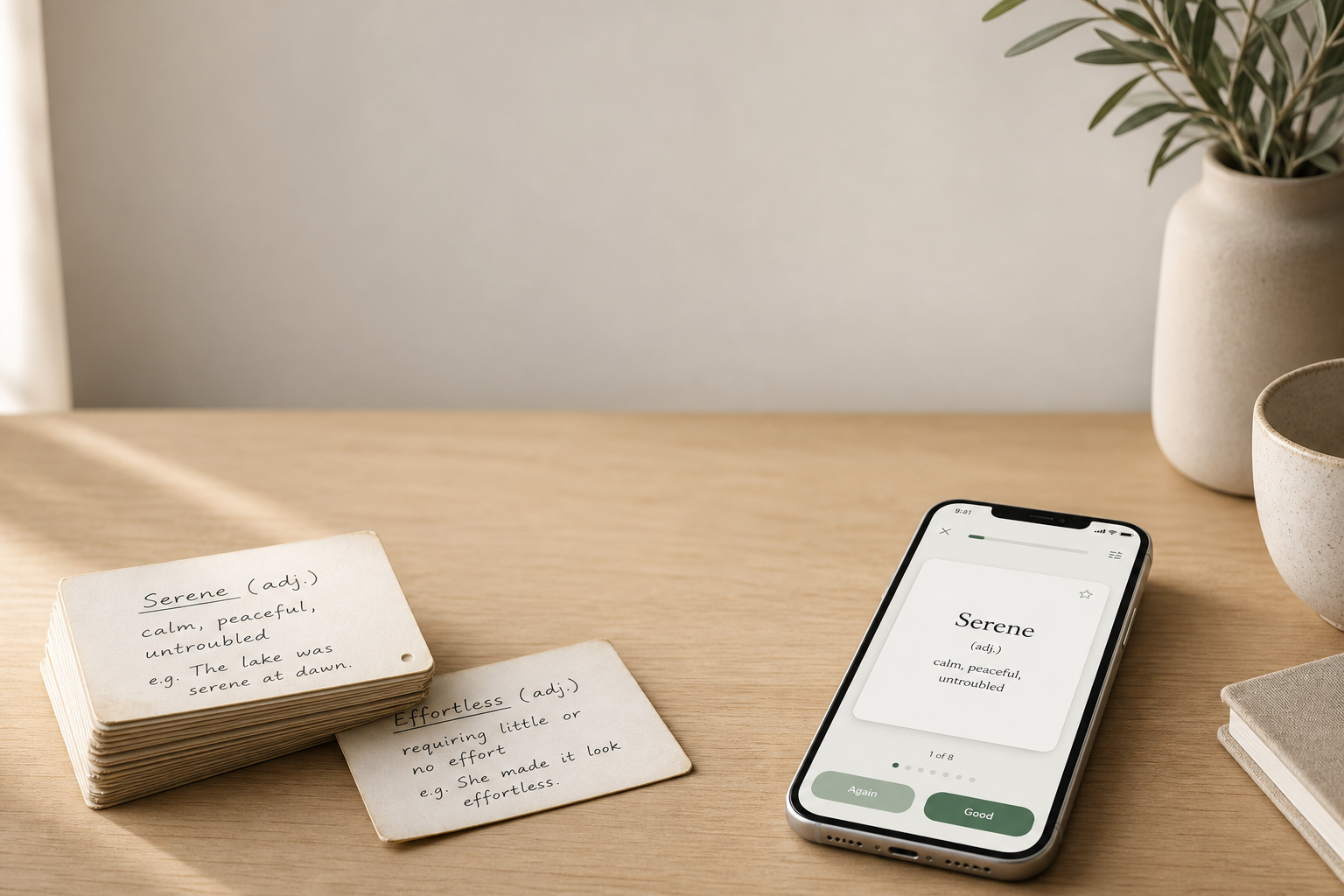
In short — I just wanted a language-learning flashcard app that actually fit the way I work.
Of the ones I tried, one looked nice but was too simple. Another had powerful algorithms, but felt like it hadn’t been updated in fifteen years. The rest looked the same and differed only by color or logo. Or by some odd feature — like letting you plug in your own API key for AI agents. Sorry, but no.
At some point I realized it would be easier to build my own. I wanted something that combined clean, simple design with serious, interesting memory systems. No clutter. No overcomplicated interface. And with settings that make studying as comfortable as possible for each person.
Quizlet and the first cards
My first real encounter with language flashcards was years ago in English classes. It was Quizlet. The free version covered everything I needed, and the app looked pretty good.
But a few things were missing. Studying itself was also fairly linear. Once a deck grew large, it stopped being very pleasant to use.
The Leitner system
Then I saw an ad for physical English flashcards you were supposed to sort into boxes. I really liked the idea, so I started digging into it. That’s how I discovered the Leitner system.
The only downside of physical cards is that you have to carry them around — especially awkward when traveling.
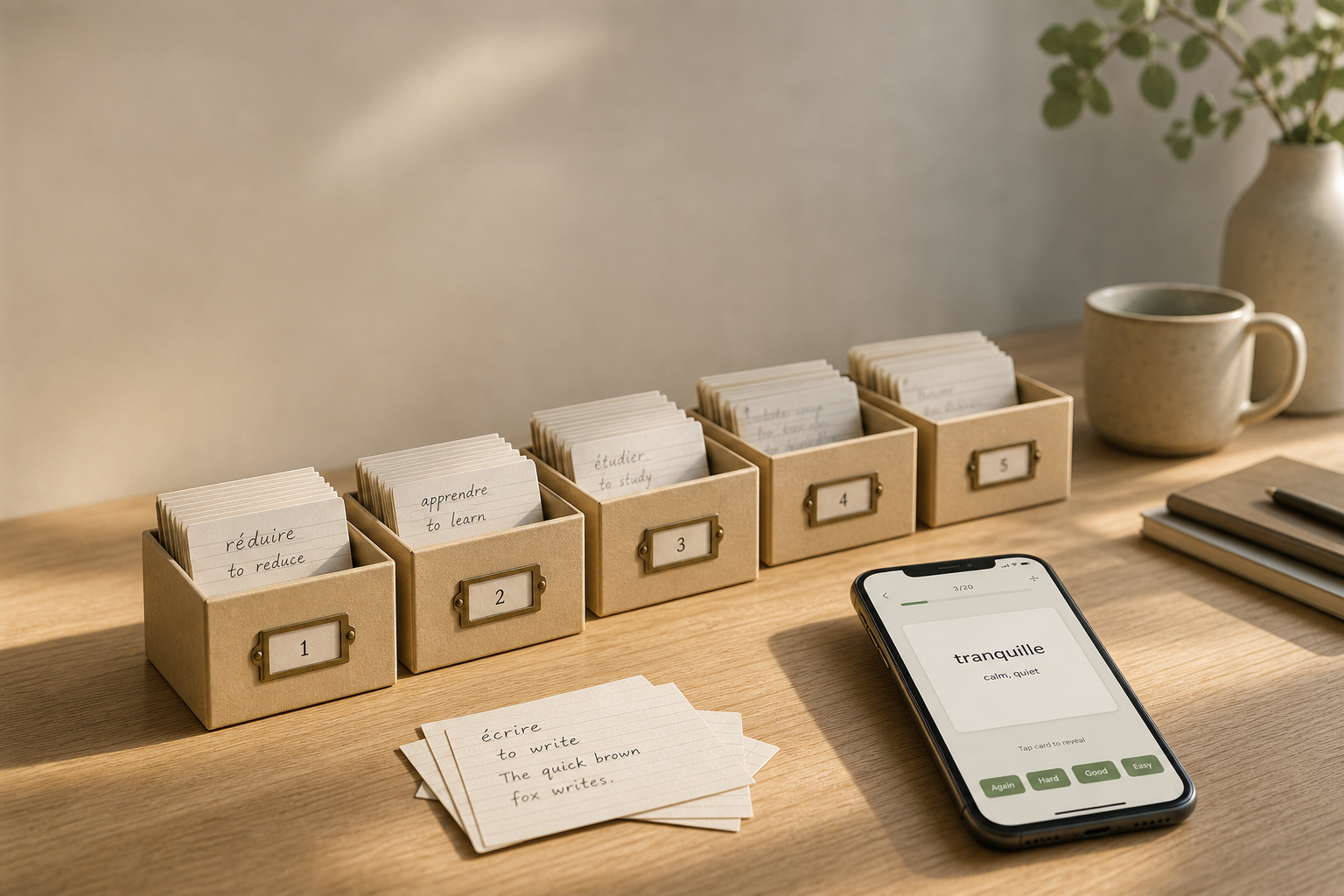
I tried to find an app that actually implemented that box-based algorithm. I found nothing.
Then the thought hit me:
“Why doesn’t any modern app use this idea in a way that’s beautiful and convenient — without drifting too far from the original system?”
Anki
I wanted the convenience of physical cards with a modern design more like Quizlet. Looking for alternatives quickly led me to Anki.
I downloaded it, studied for about an hour — and deleted it.
For me it was too complex, even with a technical background. It felt like sitting in the cockpit of an old airplane: hundreds of settings, dozens of buttons, and no idea where to start. I completely get why experienced users love it. I just wanted something simpler.
I also wasn’t a fan of the four buttons for rating recall. Interestingly, Leitiq has a four-answer mode too now. It just isn’t the only way to study.
An idea I put aside
Then I thought: it would be cool to have something of my own — something I’d actually want to use.
I sketched a list of features I wanted… and shelved the idea. Work was busy, and there was almost no time left for pet projects.
How Leitiq appeared
Everything changed when AI agents showed up.
It became clear that a project like this could be built much faster. The old feature list stopped looking unrealistic. I dug up my notes, refined them a bit, and started building Leitiq little by little.
That’s how it appeared.
Not as a startup, not as a business plan, and not even as an attempt to compete with other apps.
I simply wanted the tool I’d want to use every day.
I hope there are people who like this approach as much as I do.
If you’re curious, you can try Leitiq now.
I’d be glad for any feedback — that’s what helps make the app better.
You can find the email here.