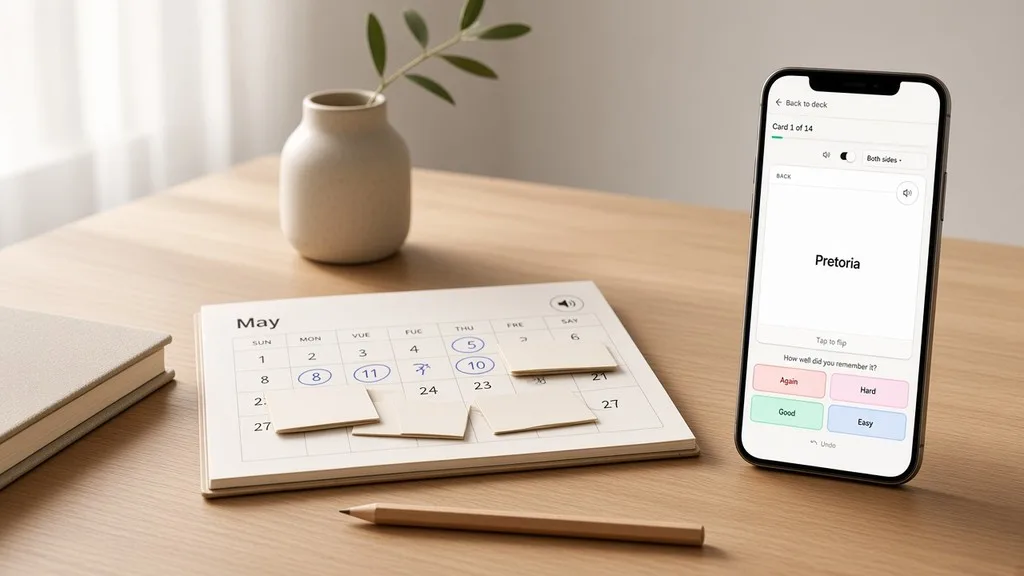
Interval repetition is not a study day you finish. It is a calendar: every card carries its own next date, and the app moves that date each time you grade the card.
If you want the plan that hands you a pile to work through and close for the day, read How Session Leitner works in Leitiq. This article is the other side of the app: how FSRS decides when a card comes back, what the four grades really do, and which settings are worth touching.
When to choose it
Use Interval repetition when each card deserves its own schedule. Long-term material you plan to keep for months or years—a language you are building, medical terms, anything where "I want to still know this next spring" is the goal. You grade honestly, and the app spaces the reviews so each card returns just as you are about to forget it.
Use Session Leitner when you would rather work a finishable pile in bursts. Flat review when you only need Know / Don't know with no scheduling at all.
You pick the plan the first time you study a deck, or later in deck settings. Changing the plan clears that deck's saved scheduling—every card's stability, difficulty, and due date—so confirm the reset if you already have progress.
What FSRS is
FSRS is the Free Spaced Repetition Scheduler, the algorithm behind the Interval repetition plan. Leitiq runs FSRS-6, the current version. You do not configure it card by card. You grade each card, and FSRS keeps two numbers for it behind the scenes:
- Stability — how many days the memory is expected to last before recall drops to your target. It grows every time you remember.
- Difficulty — how hard this particular card is for you. Harder cards gain stability more slowly.
From those two numbers and the day you last saw the card, FSRS computes the next review date. That is the whole idea: no boxes, no daily commit, just a due date per card that moves as you study.
The four grades
Interval repetition is not binary. Flip the card (Space, or tap), then rate how it went. On a keyboard the grades are 1–4; Undo (U) reverses the last answer only.
- Again (1) — you did not recall it. This is the only lapse. The card comes back later today to relearn, and its interval shrinks.
- Hard (2) — you recalled it, but it was a struggle. Still a success. The next interval is shorter than Good.
- Good (3) — you recalled it at a normal effort. The everyday grade.
- Easy (4) — it came back instantly. The next interval jumps further out.
The one distinction people miss: Hard is not a miss. It is a successful recall with a shorter next interval. Only Again keeps the card in today's pile. Rate honestly—Again when you genuinely blanked, Hard when you got there but it hurt. Grading Hard to punish yourself just slows the schedule down.
Higher grades push reviews further out
Every time you remember a card, its stability grows and the next interval gets longer. A new card you keep answering Good might come back tomorrow, then in three days, then a week, then two weeks, and on outward. Easy stretches that gap faster; Hard keeps it shorter. Again collapses it and starts the climb over.
Because each card is scheduled on its own, a single deck can have cards due today, cards due next week, and cards not due for two months, all at once. You never review the whole deck at once. You review what is due.
Same-day relearning
When you rate a card Again, it does not vanish until tomorrow. FSRS brings it back within the same session to relearn—by default after a short fixed step—so you get another attempt while it is still fresh.
At the end of a session you may see a note that a few cards are coming back shortly. That is the relearning queue. You can leave and return when they are due, or tap Study again after a few minutes. If nothing is due yet, the app tells you roughly how long to wait. If cards are due, a new session starts with them.
This is why an Interval session does not have a hard "done." Most cards are finished for the day the moment you pass them; only the ones you missed loop back.
The study day and due dates
Once a card's interval is a day or more, its due date snaps to a calendar boundary rather than an exact 24-hour clock. Leitiq rolls the study day over at 4:00 in your local time (the Anki convention), so a card you rate at 11 p.m. is due the next study day, not at 11 p.m. tomorrow. Late-night reviews do not drift your schedule an hour later every day.
Intervals shorter than a day—the relearning steps after an Again—stay on the clock and come back the same session.
Default weights vs. personalized weights
FSRS-6 uses a set of 21 numbers—its weights—to turn your grades into intervals. Everyone starts on the default FSRS-6 weights, tuned on a large public dataset. They are good out of the box.
Premium unlocks personalized weights: Leitiq trains the algorithm on your own review history so the intervals fit how you actually forget. In Account → FSRS scheduling you can Optimize now once you have enough history (it needs a few hundred reviews to have something to learn from), and it also re-optimizes on its own over time. The panel shows how many reviews are in your training set and the log-loss before and after—lower means the scheduler predicts your recall more accurately.
If you are not eligible yet, the fix is simply to keep studying interval decks until you have enough reviews.
Measured retention and daily load
Two read-outs in the FSRS panel tell you whether the schedule is working:
- Measured retention — the share of your calendar-spaced reviews (cards a day or more apart) that you recalled with Hard or better. This is your real hit rate.
- Approximate daily load — a rough sketch, from your recent reviews, of how many reviews and minutes per day to expect at different retention targets. Use it before you raise retention, so you know what you are signing up for.
Both need a few days of interval study before they have anything to show.
Short-term waits
By default, a card you miss comes back after a fixed short step (about ten minutes' worth of spacing inside the session). Premium can turn on FSRS short-term waits, which drops the fixed step and lets FSRS-6 choose the intra-day wait itself. It is a refinement, not a requirement—the default steps are fine for most people. The toggle lives in Account → FSRS scheduling.
What does not apply here
Some settings that matter to other plans are silent for Interval repetition:
- The Repeat forgotten card first / Send forgotten cards to queue end preference in Account → Study preferences applies to Session Leitner and Flat review only. FSRS schedules by date, so Again and Hard just move you on to the next card in the session; the missed card returns on its own schedule.
- There are no boxes, no stages, and no Call it a day. You do not commit a study day. Progress is saved the moment you grade a card.
If something feels stuck
Nothing is due / the session is empty. That is the plan working, not a bug. Your cards are scheduled for later dates. New cards trickle in under the daily cap; due reviews appear when they are due. Come back tomorrow, or add cards.
A card I missed disappeared. An Again card comes back within the session after a short wait, not instantly. If the session ended, tap Study again in a few minutes, or return when it is due.
I rated Hard and the card still left the queue. Hard is a successful recall. Only Again keeps a card in today's pile.
Optimize is greyed out or says I'm not eligible. Personalized weights need a Premium plan and enough review history. Keep studying interval decks and try again later.
That is the whole plan: grade honestly, trust the date, and clear what is due. No pile to finish, no day to close—just cards that come back exactly when you are about to forget them.